


Artificial intelligence is fundamentally reshaping how successful law firms operate, market their services, and manage caseloads. For personal injury and small-to-mid-sized firms, integrating AI is no longer a futuristic concept but a present-day necessity for maintaining a competitive edge. The challenge isn't whether to adopt AI, but which tools deliver tangible results without compromising client confidentiality or ethical standards. Many attorneys find the sheer volume of options overwhelming, making it difficult to distinguish genuine, practice-enhancing technology from fleeting trends.
This comprehensive guide cuts through the noise. We’ve curated and analyzed the best AI platforms and models specifically for legal professionals. Our focus is on practical application: boosting marketing ROI, streamlining firm operations, and enhancing client intake processes. Instead of generic descriptions, you'll find a detailed breakdown of each tool's capabilities, tailored directly to the unique demands of a modern law practice. We dive deep into law-specific use cases, from automating document review and legal research to generating hyper-targeted ad copy and client communications.
Each entry provides an honest assessment, including:
- What it is: A clear, concise explanation of the tool's core function.
- Pros and Cons: A balanced view to inform your decision-making.
- Ethical Considerations: Critical insights on compliance and data privacy.
- Implementation Tips: Actionable advice for seamless integration into your firm's workflow.
We also include screenshots and direct links, making it easy to explore these platforms yourself. This resource is designed to be your definitive roadmap for selecting and implementing the right AI solutions to drive efficiency, attract more clients, and future-proof your firm.
1. OpenAI (ChatGPT and API)
OpenAI's ChatGPT is arguably the most recognizable name in generative AI, making it a foundational tool for any law firm exploring artificial intelligence. Its versatility is its greatest strength, serving as an all-purpose assistant for tasks ranging from drafting initial client communications to brainstorming marketing angles for a new personal injury campaign. The platform's conversational interface makes it highly accessible, even for team members with no technical background.
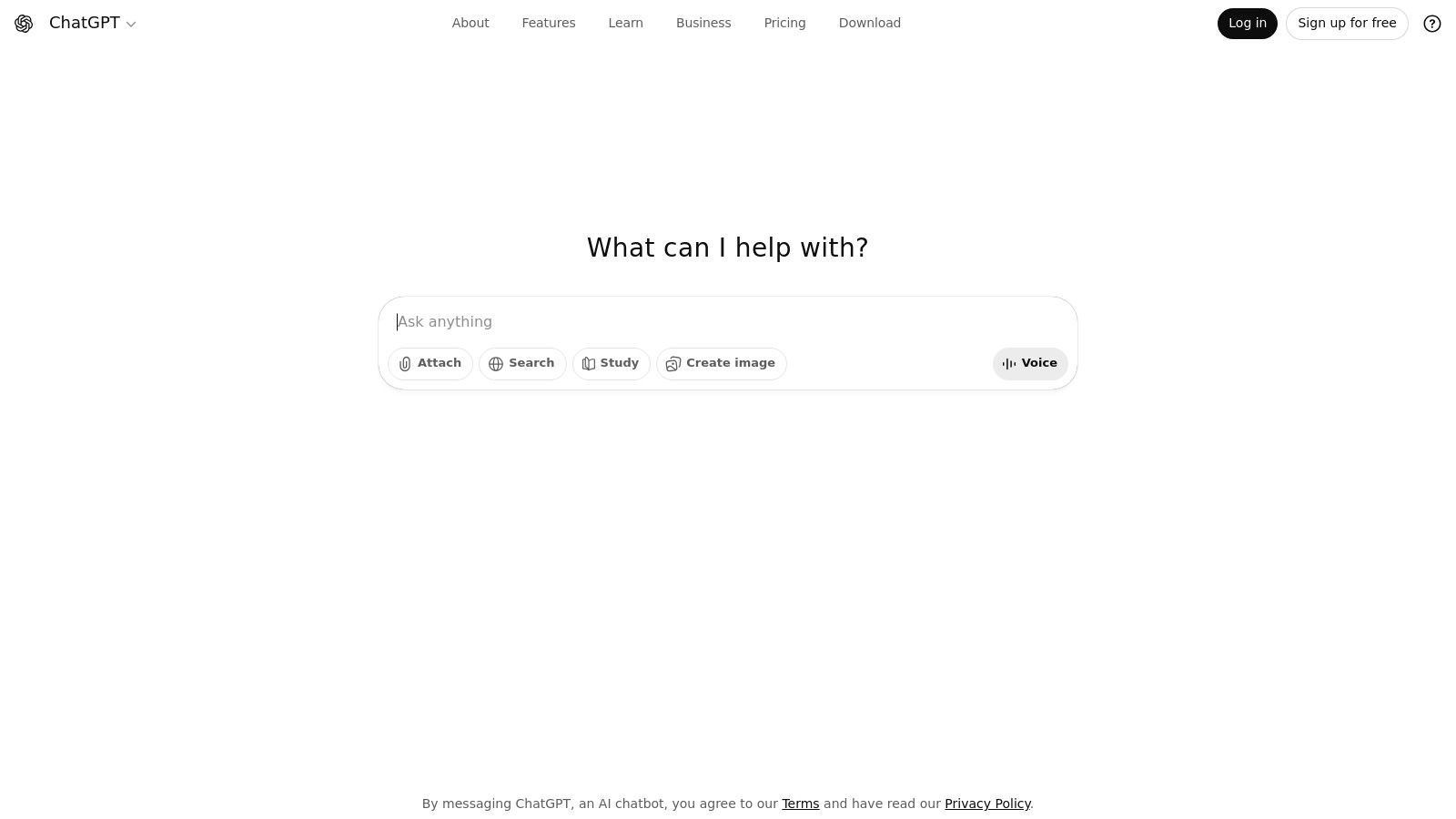
For small to mid-sized firms, ChatGPT excels as a force multiplier. It can generate first drafts of blog posts on common legal topics, create social media content calendars, or even help paralegals summarize lengthy deposition transcripts. Its ability to process and generate human-like text makes it one of the best AI tools for content creation and internal documentation, freeing up valuable staff time for billable work.
Law-Specific Use Cases & Implementation
- Content Generation: Draft initial blog posts explaining concepts like "statute of limitations" or "negligence" for your firm's website. Use it to generate outlines for video scripts or newsletters.
- Internal Communications: Create templates for routine client emails, follow-up messages, or internal memos.
- Research & Brainstorming: Ask for summaries of non-confidential legal news or brainstorm potential arguments for a case (for conceptual purposes only).
- Website Integration: The API can power sophisticated, 24/7 client intake tools. To see how this works in practice, you can explore detailed guides on using chatbots for law firm websites.
Pros & Cons
| Pros | Cons |
|---|---|
| Broad Ecosystem: Extensive integrations and community support. | Confidentiality: Free version is not suitable for client data. |
| Ease of Use: Intuitive interface requires minimal training. | Paid Tiers: Heavy usage and team features require a subscription. |
| Versatility: Applicable across marketing, operations, and admin tasks. | Accuracy: Outputs require verification by a legal professional. |
Pricing & Ethics
ChatGPT offers a free tier for individual use, but firms handling sensitive information must upgrade to a Team or Enterprise plan. These paid tiers (starting around $25/user/month) prevent OpenAI from training its models on your data, a critical step for maintaining client confidentiality and ethical compliance. Always double-check any legal information it generates for accuracy and context.
Website: https://openai.com/chatgpt
2. Google One AI Plans (Gemini)
For law firms already operating within the Google ecosystem, Google's AI Premium plans are a game-changer, embedding the powerful Gemini models directly into familiar tools like Gmail, Docs, and Drive. This deep integration makes it one of the best AI solutions for streamlining daily operations without adding new software to your stack. It allows staff to draft emails, summarize documents, and generate meeting notes directly within the applications they use every day.

The primary advantage for a small or mid-sized firm is efficiency. Instead of copying and pasting text between different applications, your team can use Gemini to instantly draft a client follow-up in Gmail based on a case summary in Google Docs. The inclusion of bundled cloud storage with Google One plans also provides significant value, combining a top-tier AI assistant with the practical need for secure document storage.
Law-Specific Use Cases & Implementation
- Document Drafting & Summarization: Use the "Help me write" feature in Google Docs to create initial drafts of client agreements or marketing materials. Summarize lengthy case files or research documents stored in Drive.
- Email Management: Leverage Gemini in Gmail to draft professional responses to client inquiries, summarize long email chains, or create templates for common communications.
- Meeting Preparation: Generate agendas or talking points in Google Docs ahead of client meetings. Use it to summarize action items from meeting transcripts.
- Preliminary Research: Use NotebookLM for organizing and synthesizing non-confidential research and case notes into a single, cohesive brief.
Pros & Cons
| Pros | Cons |
|---|---|
| Deep Integration: Seamlessly works within widely used Google services. | Confusing Tiers: Plan details and feature access can be unclear. |
| Excellent Value: Bundles powerful AI with significant cloud storage. | Varying Availability: Features and trials differ by region and plan. |
| Familiar Interface: Reduces the learning curve for staff already using Workspace. | Data Privacy: Requires careful review of Google's terms for business use. |
Pricing & Ethics
Google One AI Premium plans start at around $19.99/month, which includes access to Gemini Advanced and 2 TB of storage. While convenient, firms must ensure their Google Workspace settings and user agreements comply with data privacy and client confidentiality standards. For handling sensitive client information, a Google Workspace Business plan with enhanced security controls is a necessary complement to the consumer-facing Google One subscription.
Website: https://one.google.com/about/ai-premium
3. Anthropic (Claude)
Anthropic's Claude is a powerful AI assistant that has quickly become a leading alternative to ChatGPT, often praised for its sophisticated reasoning, nuanced writing style, and larger context window. For law firms, this translates to an ability to handle more complex and lengthy documents, making it an excellent tool for summarizing depositions, analyzing contracts, or drafting detailed legal arguments based on extensive case files. Its constitutional AI framework is designed to produce more reliable and ethically-aligned responses.
For a small personal injury firm, Claude can be a game-changer for processing large volumes of discovery documents. Its capacity to analyze PDFs and other file uploads allows paralegals to quickly extract key facts, timelines, and inconsistencies from medical records or police reports. This makes Claude one of the best AI platforms for firms looking to streamline document-heavy workflows and accelerate case preparation.
Law-Specific Use Cases & Implementation
- Document Analysis: Upload lengthy PDFs of discovery materials, client intake forms, or medical records and ask Claude to summarize key points or create a chronological timeline.
- Drafting Complex Communications: Use Claude to draft nuanced client updates, detailed demand letters, or internal memos that require a more formal and sophisticated tone.
- Legal Research Summarization: Paste text from multiple legal articles or case law summaries and ask Claude to synthesize the information into a coherent overview for internal review.
- Policy & Procedure Creation: Generate first drafts of internal firm policies, such as document retention or client data handling procedures, based on provided guidelines.
Pros & Cons
| Pros | Cons |
|---|---|
| Large Context Window: Can process and analyze very long documents. | Fewer Integrations: Ecosystem is less developed than OpenAI's. |
| Strong Reasoning: Excels at nuanced writing and complex analysis tasks. | Team Features: Advanced enterprise tools may require sales contact. |
| Focus on Safety: Designed to provide more reliable and helpful outputs. | Rapid Updates: Model versions and features evolve quickly. |
Pricing & Ethics
Claude offers a free version with daily usage limits. For professional use, the Claude Pro plan (around $20/month) provides significantly higher usage and priority access. Like other AI tools, firms must be cautious with confidential client data. The business-focused Team plan offers enhanced security and administrative controls essential for meeting ethical obligations. Always verify any legal or factual claims generated by the AI with independent, authoritative sources.
Website: https://claude.ai
4. Amazon Web Services – Amazon Bedrock
For law firms already invested in the AWS ecosystem or those requiring enterprise-grade security for custom AI solutions, Amazon Bedrock is a powerful choice. Instead of offering a single model, it provides a unified API to access leading foundation models from providers like Anthropic (Claude), Meta (Llama), and Mistral. This allows firms to select the best AI model for specific tasks, whether it's Claude’s proficiency in document analysis or Llama's cost-effectiveness for high-volume tasks.
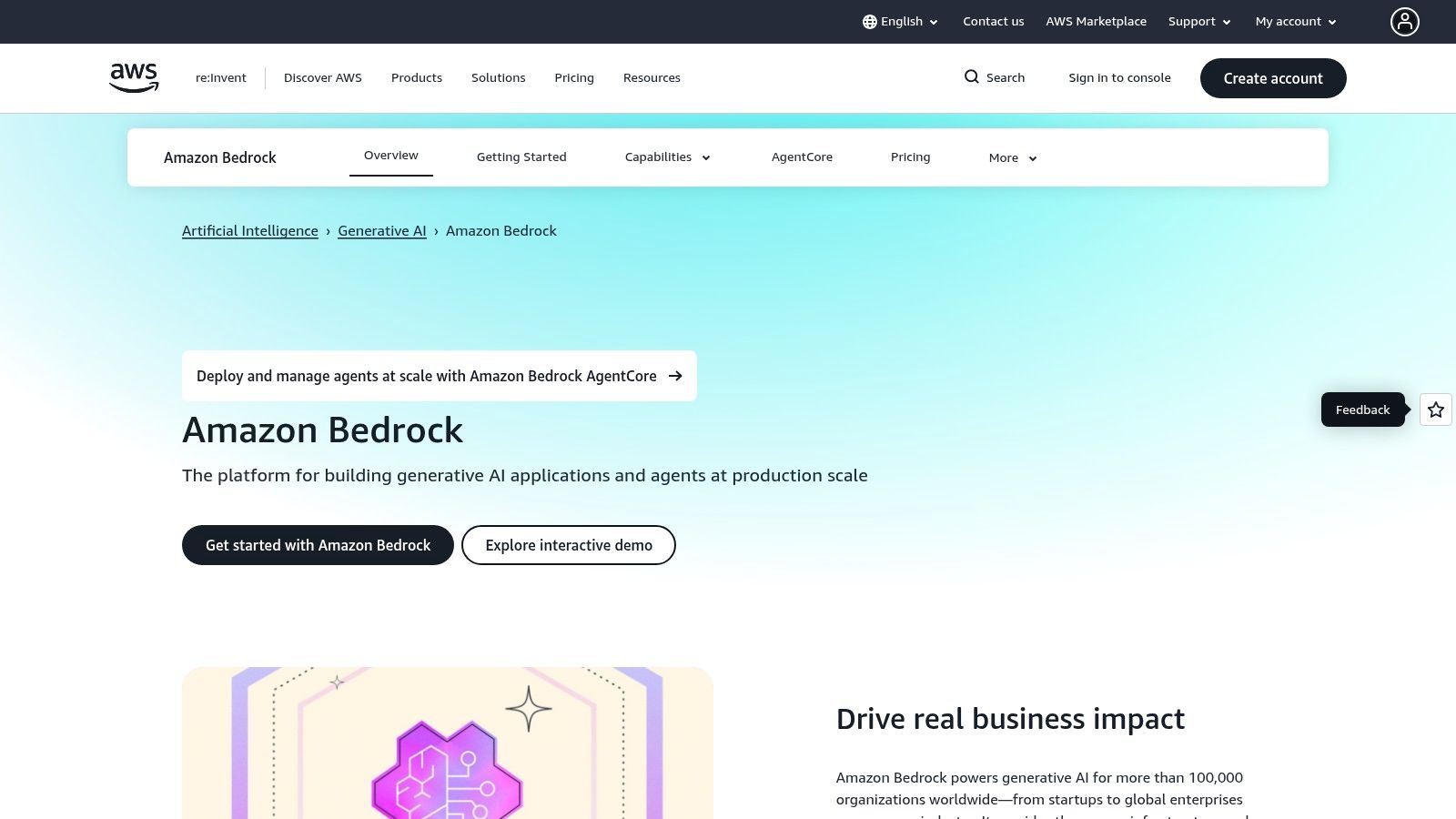
Bedrock excels in building custom, secure applications. It’s not a simple chatbot but a foundational layer for creating tools like an internal knowledge base that can query case files securely or a sophisticated client intake system that intelligently routes inquiries based on case type. Its primary advantage is control, allowing firms to build proprietary AI tools within a secure, private cloud environment.
Law-Specific Use Cases & Implementation
- Secure Document Analysis: Build custom tools to summarize and query large volumes of discovery documents or case law securely within your firm’s private AWS environment.
- Intelligent Intake Automation: Develop a sophisticated chatbot that uses different models to handle initial client screening, appointment scheduling, and information gathering.
- Internal Knowledge Management: Create a search tool for paralegals and attorneys to ask natural language questions about internal firm policies, past case precedents, or training materials.
- Custom Legal Workflows: Fine-tune a model on your firm's document templates to automate the drafting of standard contracts, letters of representation, or discovery requests.
Pros & Cons
| Pros | Cons |
|---|---|
| Enterprise-Grade Security: Leverages AWS's robust security and compliance features. | Complexity: Requires technical expertise to implement and manage. |
| Model Choice & Flexibility: Access multiple top-tier models via one API. | Complex Pricing: Costs vary by model, region, and usage type. |
| Customization: Enables fine-tuning and building of proprietary AI applications. | Not an Out-of-the-Box Tool: It is a platform for building, not a ready-made app. |
Pricing & Ethics
Pricing for Bedrock is complex and pay-as-you-go, varying based on the model chosen, data processed, and whether you use on-demand or provisioned throughput. Because all operations occur within your private AWS account, you maintain full control over your data. This makes it a strong choice for meeting strict client confidentiality and data residency requirements, as the models do not train on your firm’s proprietary information.
Website: https://aws.amazon.com/bedrock
5. Microsoft Azure OpenAI Service
For law firms already invested in the Microsoft ecosystem, the Azure OpenAI Service offers a powerful, enterprise-grade alternative to using OpenAI's public-facing tools directly. It allows firms to deploy the same powerful models (like GPT-4) within their own secure Azure environment, ensuring greater control over data privacy and compliance. This is a crucial distinction for handling sensitive client information, as data sent to the Azure service is not used to train the base models.
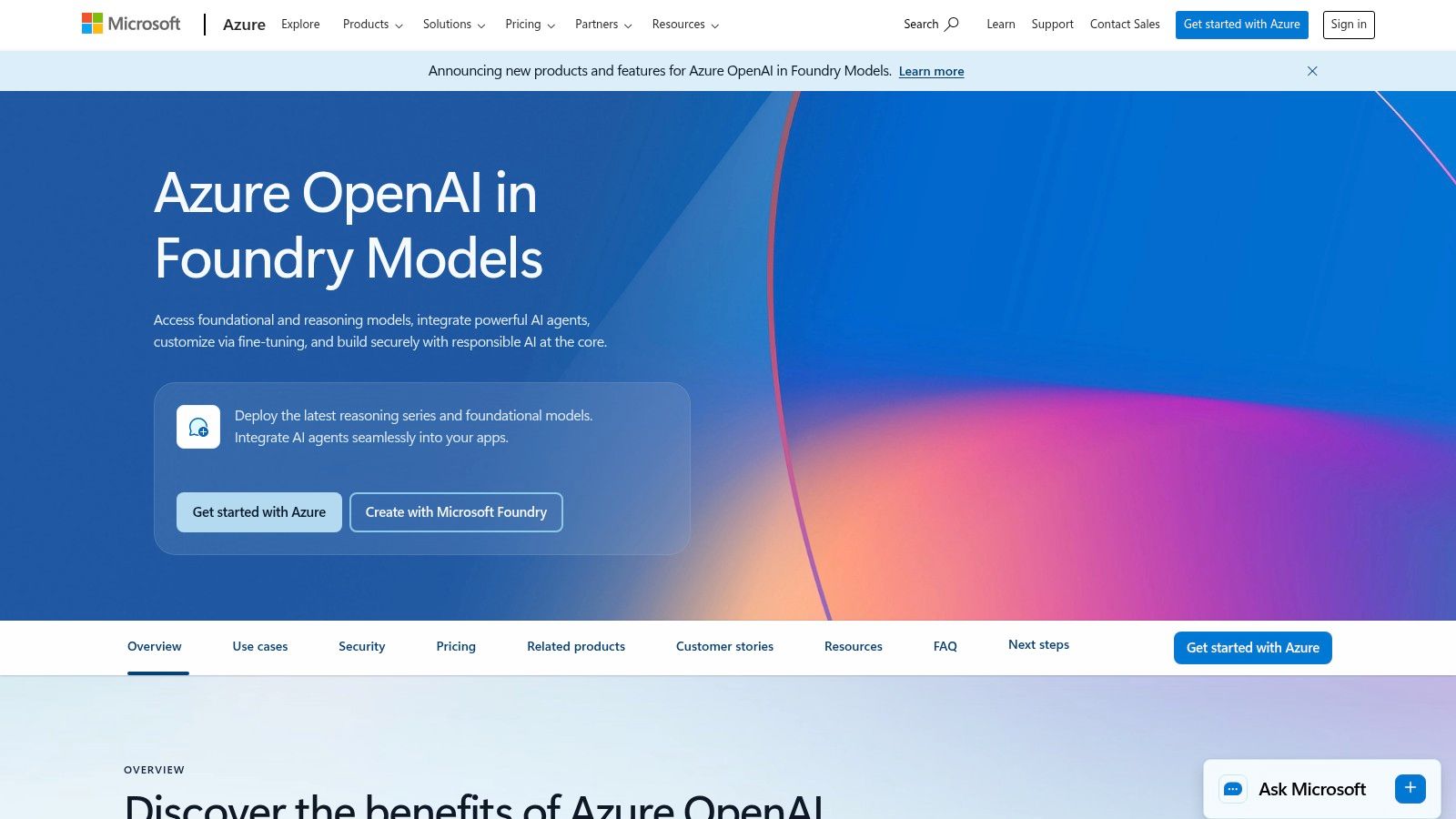
The key advantage for a law firm is seamless integration with existing Microsoft tools like Azure AI Search and Microsoft Fabric. This creates a secure, internal powerhouse for building custom applications, such as a knowledge base that can instantly answer paralegal questions by referencing internal case documents. While it requires more technical setup than ChatGPT, Azure's offering is among the best AI solutions for firms seeking custom, secure, and scalable AI capabilities.
Law-Specific Use Cases & Implementation
- Secure Document Analysis: Build a custom tool to analyze and summarize confidential case files or discovery documents without the data ever leaving your secure Azure cloud.
- Internal Knowledge Management: Integrate with Azure AI Search to create a private search engine that can query your firm’s entire document library and provide synthesized answers.
- Automated Workflows: Connect to other Azure services to automate tasks like categorizing incoming client inquiries or generating initial discovery request drafts based on internal templates.
- Custom Client Portals: Develop secure, AI-powered features for client portals, offering case status updates or answering common questions based on their specific case data.
Pros & Cons
| Pros | Cons |
|---|---|
| Enterprise-Grade Security: Data is processed within your secure Azure tenant. | Complexity: Requires technical expertise to set up and manage. |
| Microsoft Integration: Seamlessly connects with other Azure and Microsoft 365 services. | Cost Structure: Pricing can be complex, varying by model, region, and usage. |
| Data Privacy: Your firm's data is not used for model training. | Provisioning Delays: Access and capacity quotas may require approval. |
Pricing & Ethics
Azure OpenAI Service primarily uses a pay-as-you-go model based on token usage, with prices varying by model and region. For predictable performance, firms can purchase Provisioned Throughput Units (PTUs). From an ethics standpoint, this service is a top-tier choice for maintaining client confidentiality. By processing data within a private, controlled environment, it helps firms meet stringent data privacy obligations like HIPAA or GDPR, depending on the configuration.
Website: https://azure.microsoft.com/products/ai-services/openai-service
6. Hugging Face (Model Hub and Inference Endpoints)
For law firms with technical expertise or development resources, Hugging Face serves as the world's largest open-source AI community and model repository. Instead of a single tool, it offers access to thousands of specialized models, allowing a firm to build or deploy custom AI solutions tailored to unique operational needs, from document classification to sentiment analysis of client feedback. It represents a more advanced, customizable path for AI integration.
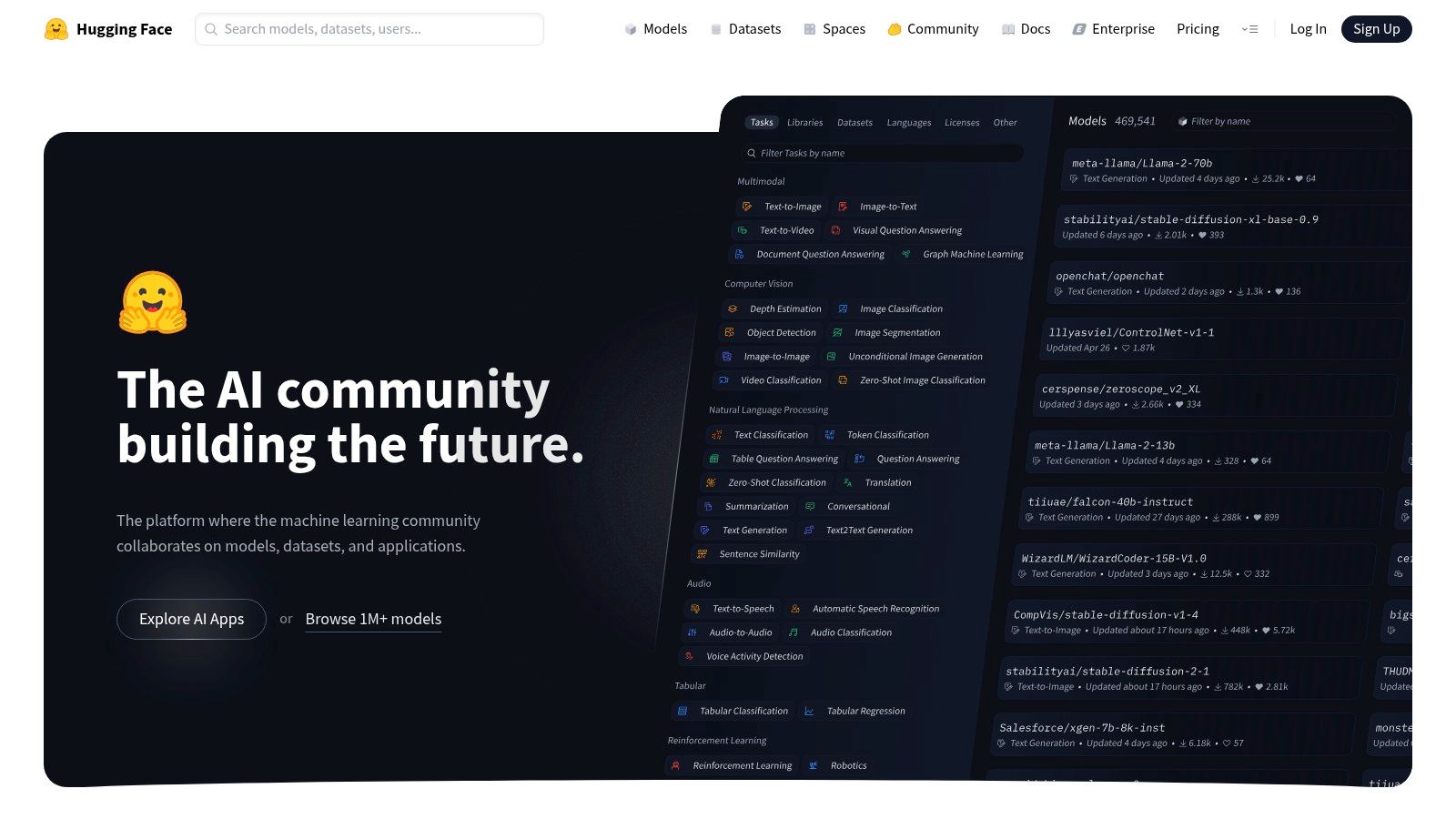
This platform is not a ready-made application but a foundational resource. A technically inclined firm could use its Inference Endpoints to deploy a private, open-source language model for internal Q&A on firm policies, ensuring complete data control. Exploring its vast library makes Hugging Face one of the best AI resources for firms looking to build bespoke tools rather than relying solely on off-the-shelf software.
Law-Specific Use Cases & Implementation
- Custom Document Analysis: Deploy models specialized in legal text summarization or identifying specific clauses within thousands of discovery documents.
- Secure Internal Tools: Host a private, open-source LLM on a dedicated Inference Endpoint for internal research without sending sensitive data to third-party APIs.
- Sentiment Analysis: Analyze client intake forms or online reviews at scale to identify trends in client satisfaction or common case-related pain points.
- Model Discovery: Use the Hub to find and test cutting-edge models for tasks like audio transcription of depositions before committing to a specific technology.
Pros & Cons
| Pros | Cons |
|---|---|
| Unmatched Model Selection: Access to thousands of open models. | High Technical Barrier: Requires development or data science skills. |
| Full Data Control: Deploy models in a private, secure environment. | Cost Management: Infrastructure costs can be variable and complex. |
| Customization: Build solutions perfectly tailored to firm workflows. | No Out-of-the-Box UI: Primarily a backend resource, not a user app. |
Pricing & Ethics
Access to the Hugging Face Hub and models is generally free. The primary cost comes from using Inference Endpoints, which charge an hourly rate based on the underlying cloud infrastructure (CPU/GPU) you select. This can range from a few dollars to over $50 per hour for high-performance GPUs. Because you are deploying models on your own dedicated infrastructure, you maintain complete control over data, which is essential for client confidentiality and ethical compliance.
Website: https://huggingface.co
7. Adobe Firefly
Adobe Firefly brings generative AI directly into the established creative workflows that marketing teams already use. Instead of generating images on a separate platform and importing them, Firefly integrates features like Generative Fill directly into Photoshop and Adobe Express. This allows law firms to create professional, on-brand visuals for their website, social media, and ad campaigns with unparalleled control and precision, making it one of the best AI tools for visual content.
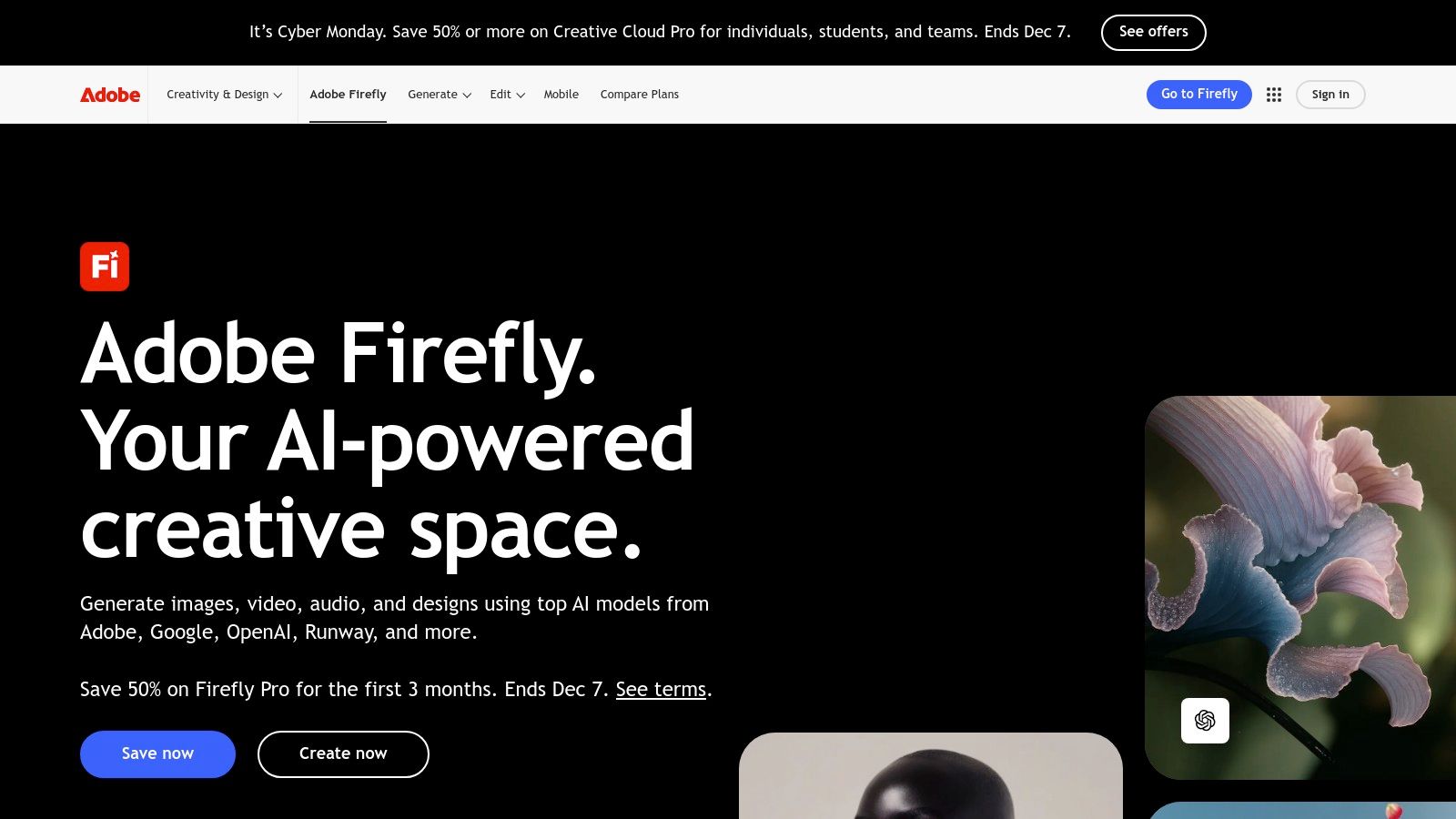
For a personal injury firm, this means creating a unique, compelling hero image for a blog post about car accident claims or quickly removing distracting elements from a photo of the firm's attorneys. Firefly is trained on Adobe Stock's library, which is a key advantage for commercial use, as it's designed to be safe from intellectual property claims. This focus on commercial safety makes it a standout choice for firms concerned with brand integrity.
Law-Specific Use Cases & Implementation
- Custom Blog & Website Imagery: Generate specific visuals, like a gavel on a stack of case files with a specific background, that stock photo sites don't offer.
- Ad Creative Enhancement: Use Generative Fill in Photoshop to expand an image's background to fit different ad dimensions (e.g., a vertical story vs. a horizontal banner) without cropping the original subject.
- Social Media Graphics: Quickly create branded quote cards, event announcements, or informational graphics using templates in Adobe Express powered by Firefly.
- Concept Visualization: Brainstorm visual concepts for a new marketing campaign or website redesign by generating multiple style options quickly. You can explore a deeper dive into using AI for law firm content to see how this fits into a broader strategy.
Pros & Cons
| Pros | Cons |
|---|---|
| Seamless Adobe Integration: Works directly within Photoshop, etc. | Credit-Based System: Heavy usage can deplete credits quickly. |
| Commercially Safe: Trained on licensed content to reduce IP risk. | Niche Tool: Primarily focused on visual content, not text or data. |
| High-Quality Output: Produces professional, realistic imagery. | Learning Curve: Requires some familiarity with Adobe products. |
Pricing & Ethics
Adobe Firefly operates on a generative credit system. Many Creative Cloud subscriptions (starting around $59.99/month for the full suite) include a monthly allocation of credits. Firms can also purchase a standalone Firefly plan (starting around $4.99/month) or additional credit packs. The key ethical advantage is its training data, which helps firms avoid the copyright and IP issues that can arise with other image generators.
Website: https://www.adobe.com/products/firefly
8. Midjourney
While text generation is crucial, a modern law firm's brand is also built on compelling visuals. Midjourney is a leader in AI image generation, transforming simple text prompts into high-quality, artistic, and photorealistic images. For law firms needing custom visuals for their website, social media, or blog posts without the high cost of a custom photoshoot, Midjourney is an invaluable creative partner.

Its primary strength lies in its stunning aesthetic quality, which can elevate a firm’s marketing far beyond generic stock photography. Instead of a bland photo of a gavel, you can generate a conceptual image representing "justice" or "client advocacy." This makes it one of the best AI tools for creating a unique and memorable brand identity that resonates with potential clients. Access via its web interface or Discord server provides flexibility for different user workflows.
Law-Specific Use Cases & Implementation
- Blog Post Imagery: Create custom-featured images for articles on topics like "car accident reconstruction" or "workplace safety."
- Social Media Campaigns: Generate a cohesive set of visuals for a campaign highlighting your firm's community involvement or a specific practice area.
- Website Design: Produce abstract background images or unique icons for different sections of your website, ensuring a professional and non-generic look.
- Ad Creatives: Quickly design multiple visual concepts for A/B testing in your digital advertising campaigns on platforms like Facebook or LinkedIn.
Pros & Cons
| Pros | Cons |
|---|---|
| Industry-Leading Aesthetics: Produces highly artistic and stylized visuals. | Requires Subscription: No free tier for ongoing commercial use. |
| Brand Differentiation: Creates unique imagery that sets your firm apart. | Learning Curve: Mastering effective prompts can take practice. |
| Cost-Effective: A powerful alternative to expensive custom photography. | Abstract Nature: May not be suitable for highly literal representations. |
Pricing & Ethics
Midjourney operates on a subscription model, with plans starting around $10/month. For commercial use, which is required for a law firm, a paid plan is mandatory. Firms should opt for higher-tier plans that include "Stealth Mode" if they need to keep their generated images and prompts private from the public community gallery. Ethically, firms must ensure that generated images do not misrepresent reality or create unrealistic client expectations.
Website: https://www.midjourney.com
9. Stability AI
Stability AI provides powerful, open-source models like Stable Diffusion, which are foundational for creating unique images, audio, and video content. While less of a direct-use application and more of a core technology, it’s a critical resource for law firms wanting complete control over their creative assets, especially those looking to build proprietary marketing tools or avoid the licensing restrictions of closed platforms. Its open nature allows for local deployment, a significant advantage for firms prioritizing data privacy.

For a marketing-savvy firm, Stability AI’s models can generate custom imagery for blog posts, social media campaigns, or website banners that are entirely unique and royalty-free. Instead of relying on stock photos of courtrooms or gavels, a firm can create visuals that perfectly match their brand and message. This makes it one of the best AI technologies for firms seeking to differentiate themselves visually without the high cost of custom photography or graphic design.
Law-Specific Use Cases & Implementation
- Custom Blog & Ad Imagery: Generate unique, on-brand images for articles about specific case types like car accidents or slip-and-fall incidents.
- Video & Audio Production: Use its models to create background music for informational videos or short animated clips explaining complex legal concepts.
- Brand Asset Creation: Develop a library of custom icons, banners, and social media graphics that are exclusive to your firm.
- Conceptual Visualization: Create visuals to help explain an accident reconstruction or illustrate a legal argument for internal strategy sessions.
Pros & Cons
| Pros | Cons |
|---|---|
| Full Creative Control: Ownable, unique assets with no licensing fees. | Technical Barrier: Requires more technical skill than web-based tools. |
| Cost-Effective: Memberships are an affordable path to commercial use. | Self-Hosted Responsibility: Local deployment requires managing your own hardware. |
| Privacy Focused: Option for local deployment keeps all data in-house. | Inconsistent Quality: Results can vary and may require multiple attempts. |
Pricing & Ethics
Stability AI offers its models for free for non-commercial research. For commercial use, such as marketing your law firm, a Professional Membership is required, starting at $20/month. This grants the necessary licenses to use the generated content in business materials. Because firms can run these models locally, they can maintain full control over the inputs, which is ideal for maintaining confidentiality and avoiding third-party data processing.
Website: https://stability.ai
10. GitHub Copilot
While a coding assistant might seem unusual for a law firm, GitHub Copilot is an invaluable tool for firms with in-house developers or those managing custom website features and integrations. It functions as an AI pair-programmer, suggesting lines of code and entire functions directly within the development environment. This dramatically accelerates the creation of custom intake forms, API connections to case management software, or unique website functionalities.
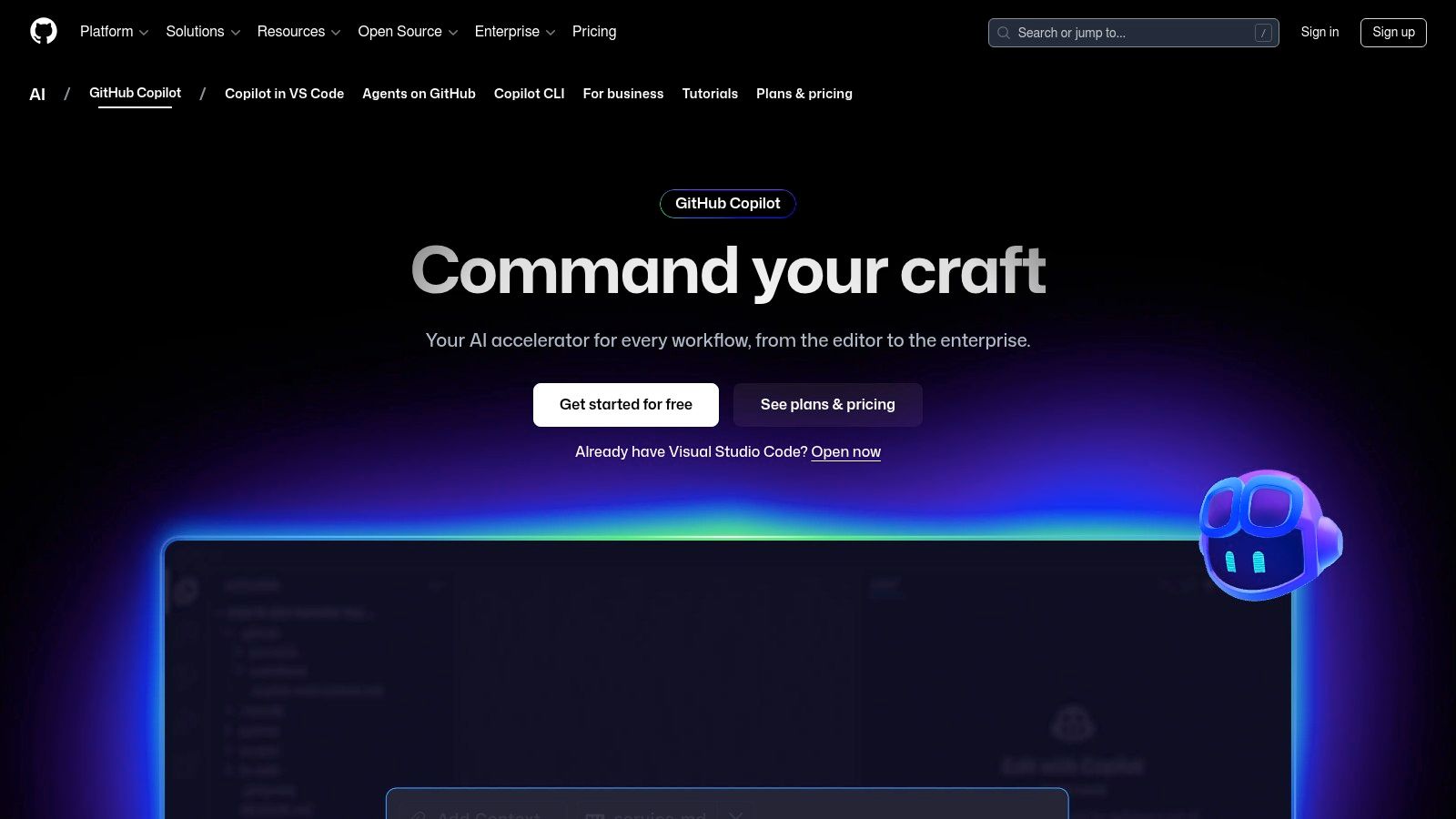
For a law firm looking to innovate, Copilot acts as a technical force multiplier. It empowers a small development team or even a single developer to build and maintain sophisticated digital assets that would otherwise require a larger team. By handling repetitive coding tasks, it frees up technical resources to focus on building a better client experience, making it one of the best AI tools for firms investing in a custom digital presence.
Law-Specific Use Cases & Implementation
- Custom Intake Forms: Accelerate the development of complex, multi-step client intake forms with conditional logic for different case types.
- API Integrations: Speed up the process of connecting your website's lead generation tools directly to your CRM or case management software like Clio or Filevine.
- Website Maintenance: Help developers quickly debug issues, update plugins, or script automated maintenance tasks to ensure your firm's website remains secure and functional.
- Data Analysis Scripts: Assist in writing small scripts to parse and analyze marketing data from non-standard sources.
Pros & Cons
| Pros | Cons |
|---|---|
| Deep IDE Integration: Works seamlessly inside popular code editors. | Niche Use Case: Only relevant for firms with development needs. |
| Productivity Gains: Significantly reduces time spent on boilerplate code. | Requires Oversight: Code suggestions must be reviewed for security. |
| Generous Free Tiers: Free for students, teachers, and open source. | Quotas on Plans: Business plans have limits on premium requests. |
Pricing & Ethics
GitHub Copilot offers an individual plan (starting around $10/month) and a more robust Business plan (around $19/user/month) that includes organization-wide policy management and IP indemnity. For law firms, the Business plan is recommended to ensure that the code generated does not create intellectual property conflicts and that organizational data remains private.
Website: https://github.com/features/copilot
11. Perplexity AI
Perplexity AI operates as a powerful "answer engine," distinguishing itself from traditional search engines by providing direct, conversational answers complete with source citations. This makes it an invaluable tool for law firms needing quick, verifiable information for preliminary research or content creation. Its ability to synthesize information from multiple web sources and present it in a digestible format saves significant time compared to manual SERP analysis.
For a small firm’s marketing team, Perplexity is one of the best AI tools for generating blog post ideas grounded in current events or recent studies. You can ask complex questions like "What are the latest statistics on commercial truck accidents in Texas?" and receive a summarized answer with links to the original reports. This ensures the content you produce is accurate, timely, and authoritative.
Law-Specific Use Cases & Implementation
- Fact-Checking & Research: Quickly verify statistics or find sources for a blog post about recent changes in personal injury law.
- Content Ideation: Ask for summaries of recent legal news or studies to inspire relevant, data-driven articles for your firm's website.
- Competitor Analysis: Use it to get a high-level summary of a competing firm's recent online activities or landmark cases mentioned in the news.
- Marketing Strategy: Leverage its research capabilities to explore how other AI tools for legal marketing are being implemented across the industry.
Pros & Cons
| Pros | Cons |
|---|---|
| Citation-Forward: Provides sources for all generated answers. | Legal Disputes: Faces scrutiny over its news aggregation methods. |
| Multiple AI Models: Pro version allows access to top models. | Not a Legal Database: Not a substitute for Westlaw or LexisNexis. |
| Team Collaboration: Private "Spaces" for secure team projects. | Surface-Level: May not provide the depth needed for case law research. |
Pricing & Ethics
Perplexity offers a capable free version, but the Pro plan (around $20/month) unlocks advanced features like file uploads and access to more powerful AI models like GPT-4 and Claude 3. The Enterprise plan provides enhanced security and compliance controls, which are essential for firms creating dedicated, private research spaces. Be mindful of ongoing discussions around AI's use of published content.
Website: https://www.perplexity.ai
12. G2 – Artificial Intelligence Software Category
Before committing to a new AI tool, thorough due diligence is essential, and G2’s dedicated Artificial Intelligence category is the premier platform for this research. G2 is a massive software marketplace and review site that provides curated grids, real-user feedback, and detailed comparisons, allowing law firms to vet potential AI solutions side-by-side. It acts as a critical first step in the procurement process, helping you move beyond marketing hype to see how tools perform in real-world scenarios.
For a small or mid-sized firm, G2 is invaluable for discovering and shortlisting the best AI software without needing an in-house procurement team. You can filter tools by features relevant to your practice, such as "document generation" or "lead management," and then sort them by user satisfaction, market presence, or company size. This data-driven approach ensures you invest in a platform that is not only powerful but also well-regarded by peers.
Law-Specific Use Cases & Implementation
- Vendor Vetting: Compare the pros and cons of different legal AI chatbots or document management systems based on reviews from other professional service firms.
- Feature Comparison: Use the G2 Grid to create a shortlist of 3-4 top-rated AI marketing automation tools, then visit their websites for demos.
- Budget Planning: Filter AI software by pricing models to find solutions that fit your firm’s budget, from free trials to enterprise-level subscriptions.
- Discovery: Explore niche categories like "AI Sales Assistants" to find tools that could automate client intake and follow-up processes.
Pros & Cons
| Pros | Cons |
|---|---|
| Real User Reviews: Provides unbiased, crowdsourced insights. | Sponsored Placements: Top-listed items may be paid promotions. |
| Broad Coverage: Includes both mainstream and niche AI tools. | Surface-Level Data: Requires visiting vendor sites for deep details. |
| Powerful Filtering: Allows for highly specific tool searches. | Review Bias: Some reviews may be incentivized or outdated. |
Pricing & Ethics
G2 is free to use for research and reviews. However, it’s a discovery platform, not a direct seller. Pricing, confidentiality policies, and ethical considerations must be verified on each vendor's website after you've created your shortlist. Be mindful that sponsored listings can influence visibility, so always cross-reference rankings with recent, detailed user reviews.
Website: https://www.g2.com/categories/artificial-intelligence
Top 12 AI Platforms Comparison
| Product | Core features ✨ | Quality ★ | Price / Value 💰 | Best for 👥 | Unique edge 🏆 |
|---|---|---|---|---|---|
| OpenAI (ChatGPT & API) | ChatGPT apps, custom GPTs, multimodal, dev API | ★★★★☆ | 💰 Free → Business/Enterprise | 👥 Marketers, devs, firm leaders | 🏆 Broad ecosystem & integrations |
| Google One AI (Gemini) | Gemini in Workspace, Search AI Mode, NotebookLM, mobile | ★★★★☆ | 💰 Subscription + bundled storage (2–30 TB) | 👥 Google Workspace-first firms | 🏆 Deep Google app integration |
| Anthropic (Claude) | Claude web/app, developer API, prompt caching | ★★★★☆ | 💰 Pro → Team/Enterprise tiers | 👥 Teams needing safe, analytic outputs | 🏆 Safety-focused, helpful outputs |
| Amazon Bedrock (AWS) | Multi-model API, eval/prompt routing, enterprise security | ★★★★☆ | 💰 Usage + model-dependent pricing | 👥 Enterprises needing multi-vendor models | 🏆 Consolidated access to many providers |
| Microsoft Azure OpenAI | OpenAI models on Azure, PTUs, Azure integrations | ★★★★☆ | 💰 Pay-as-you-go or PTUs | 👥 Microsoft/Azure-standardized orgs | 🏆 Enterprise controls & regional compliance |
| Hugging Face | Model Hub, Spaces, datasets, Inference Endpoints | ★★★★☆ | 💰 Free discovery; endpoints incur infra cost | 👥 ML teams & devs exploring open models | 🏆 Largest open-model ecosystem |
| Adobe Firefly | Image/video/audio generation, Photoshop/Express integration | ★★★★☆ | 💰 Credits + Creative Cloud plans | 👥 Creative teams & content marketers | 🏆 Native integration with Adobe workflow |
| Midjourney | Discord/web image & video generation, subscription tiers | ★★★★☆ | 💰 Subscription (Fast/Relax tiers) | 👥 Designers, agencies seeking stylized art | 🏆 Industry-leading image aesthetics |
| Stability AI | Stable Diffusion models, local/cloud deploy, memberships | ★★★☆☆ | 💰 Memberships for commercial use; affordable | 👥 Developers & creators wanting local control | 🏆 Open & local deployment options |
| GitHub Copilot | IDE integrations, code completion, chat/agent features | ★★★★☆ | 💰 Individual → Enterprise subscriptions | 👥 Developers & engineering teams | 🏆 Deep GitHub/IDE productivity gains |
| Perplexity AI | Citation-first answers, Labs, file/web connectors, Spaces | ★★★☆☆ | 💰 Free tier; paid team/enterprise | 👥 Researchers, legal teams needing sources | 🏆 Fast, citation-forward research |
| G2 (AI category) | Vendor grids, reviews, filters, awards & reports | ★★★★☆ | 💰 Free research; vendor pricing varies | 👥 Buyers shortlisting AI tools | 🏆 Real-user reviews & comparison insights |
The Future-Ready Firm: Making AI Your Competitive Edge
Navigating the expansive landscape of artificial intelligence can feel like preparing for a complex trial. The sheer volume of options, from foundational models like OpenAI's GPT and Google's Gemini to specialized tools like Adobe Firefly, can be overwhelming. Yet, as we've explored, the potential rewards for your law firm are transformative, offering a clear path to enhanced efficiency, deeper client engagement, and a significant competitive advantage. This guide was designed not just to list the best AI tools, but to provide a strategic framework for their practical application within the unique context of a small or mid-sized law practice.
The core takeaway is that AI is no longer a futuristic concept; it is a present-day toolkit ready for deployment. For firms specializing in personal injury, this means automating routine client intake, generating hyper-targeted ad copy, and even drafting initial case summaries, freeing up valuable attorney time for high-value, strategic work. The key is to move from a general awareness of AI to a specific, needs-based implementation strategy.
Your Strategic AI Implementation Roadmap
Adopting AI successfully isn't about buying a single piece of software. It’s about building a smarter operational ecosystem. To get started, focus on a phased approach that minimizes disruption and maximizes early wins.
- Start with Low-Hanging Fruit: Begin with tools that address your most immediate pain points. If content creation is a bottleneck, a subscription to ChatGPT, Claude, or Jasper can deliver immediate value. If your team is buried in administrative tasks, look at automating document summaries or email drafts.
- Prioritize Security and Ethics: The legal profession is built on trust and confidentiality. Before implementing any AI tool, rigorously vet its security protocols, data privacy policies, and compliance with legal ethics rules. Tools like Microsoft Azure OpenAI Service, which offer enterprise-grade security and data privacy assurances, are often a prudent choice for handling sensitive information.
- Foster an Experimental Mindset: Encourage your team to experiment in a controlled environment. Set up a "sandbox" for testing new AI tools on non-confidential, internal projects. This builds familiarity and confidence without risking client data, allowing your team to discover the best AI applications for their specific workflows.
Selecting the Right AI for Your Firm's Needs
The "best" AI is entirely subjective and depends on your firm's specific goals, budget, and technical comfort level. Don't be swayed by hype; be guided by practical utility.
Consider these final decision-making factors:
- Integration Capability: How well does the tool fit into your existing tech stack? A powerful AI that doesn't integrate with your case management software or CRM may create more work than it saves.
- Scalability: Choose tools that can grow with your firm. A solution that works for a solo practitioner should ideally have a clear upgrade path to support a team of twenty.
- Ease of Use: The most advanced AI is useless if your team finds it too complicated. Prioritize tools with intuitive interfaces and strong customer support to ensure high adoption rates.
- Cost vs. ROI: Evaluate pricing not as an expense, but as an investment. Calculate the potential return on investment in terms of hours saved, increased lead generation, or improved client satisfaction.
Ultimately, the journey into AI is a marathon, not a sprint. The firms that will thrive in the coming decade are not necessarily the ones that adopt the most AI, but the ones that adopt it most thoughtfully. By starting small, focusing on real-world problems, and maintaining a steadfast commitment to ethical standards, you can harness the power of artificial intelligence to build a more resilient, efficient, and future-ready law firm.
Navigating the complexities of digital marketing while integrating the best AI can be a challenge. At RankWebs, we specialize in crafting data-driven SEO and marketing strategies specifically for law firms, helping you leverage these powerful tools to attract more of the right clients. Let us handle the marketing, so you can focus on the law. Contact RankWebs today to learn how we can build your firm's competitive edge online.